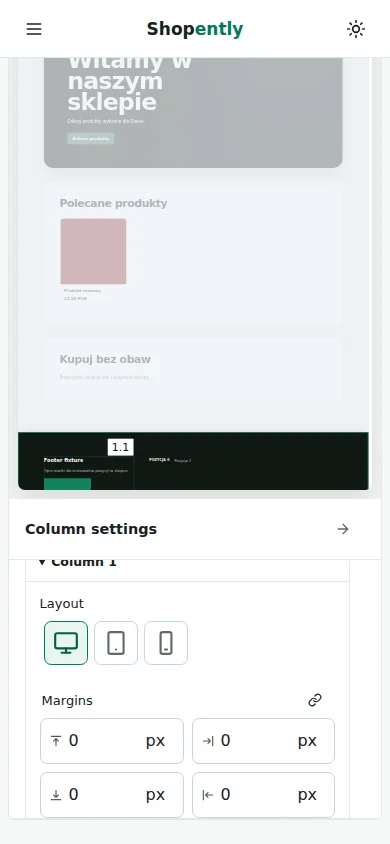
Width
Column width accepts 1–100% or 1–2000 px. Slider and input edit the same value. Percentages account for the horizontal gap; margins fit inside the column’s outer width. Columns that do not fit wrap onto the next line.

Height
Height is a minimum and does not clip content. Automatic fits the elements. Sections accept px; percentage column heights require an explicit section height. Set it in the dialog or cancel. Longer content can still make the container taller.
Margins / Padding
Margin leaves space outside the container. Each field controls one side. Section margins add to the gap between sections.
Padding separates contents from the container edges. Top, right, bottom and left are independent. In narrow spaces, horizontal padding is constrained to preserve room for content.
The chain links all four sides. Turning it on does not change numbers; the next edit changes every side together. The linked state survives selecting another element and returning.
Click the unit beside the number: 0–512 px or 0–100%. Percentages on all four sides refer to the parent width. Conversion requires the matching device preview; otherwise enter a new value.
Element arrangement
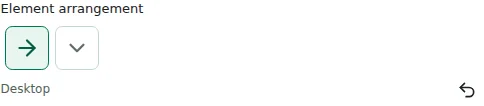
Element layout belongs to the column: side by side or stacked. Wrapping applies to horizontal layout. The section has no separate Content group.
Horizontal alignment / Vertical alignment
Within a column, configure both element gaps and horizontal and vertical alignment. Vertical alignment becomes visible when spare height is available.
Mobile
Before publishing, check desktop, tablet and phone previews in light and dark modes. Reading fields and switching devices do not create overrides.